ChatGPT to Video: AI Scriptwriting Workflow That Ships
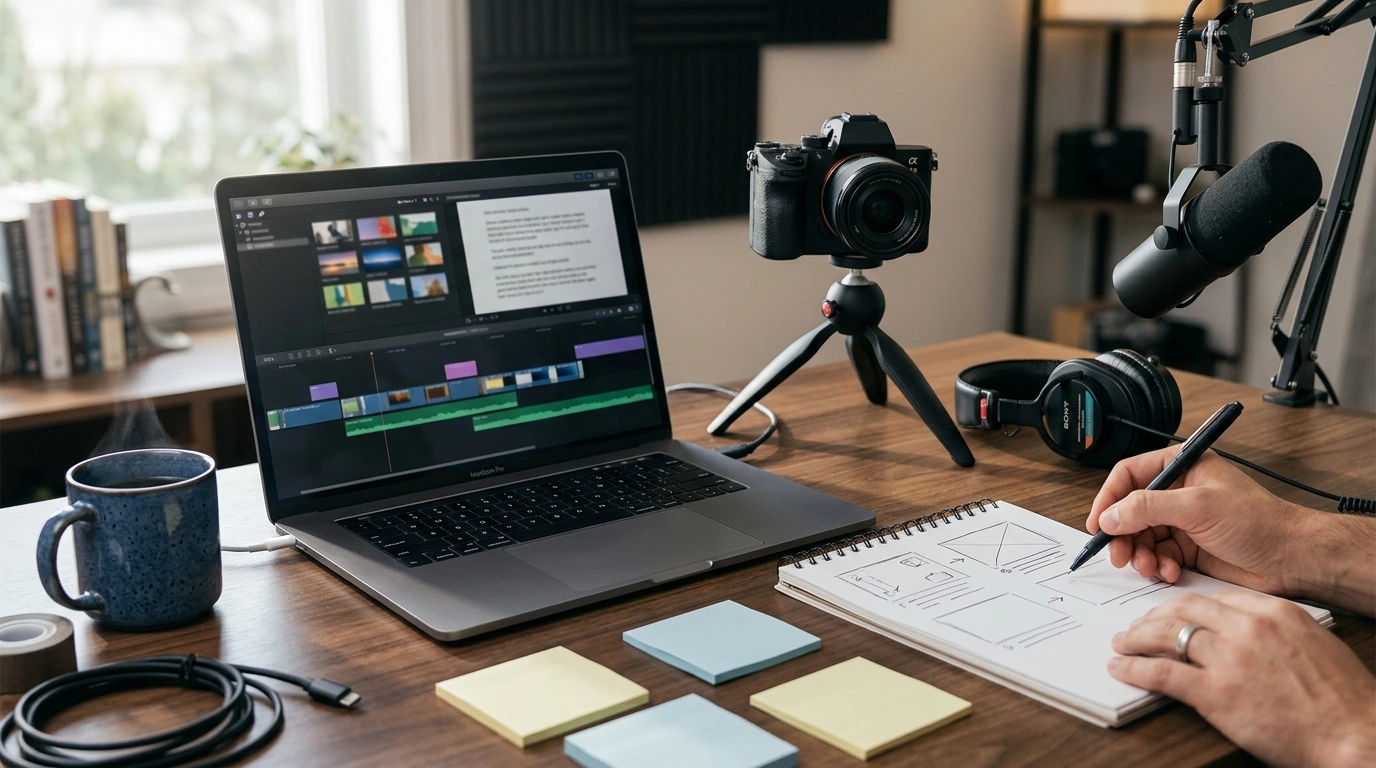
From Script to Screen: Creating Videos with ChatGPT and AI Magic
A practical way to turn an idea into a publish-ready video is to treat the process like a pipeline: concept, outline, script, shot plan, voice and visuals, edit, and distribution. This guide breaks the workflow into clear steps, with ready-to-use planning frameworks and quality checks that help videos feel intentional rather than auto-generated.
What AI helps with (and what still needs a human touch)
AI is excellent at moving fast, staying consistent, and generating options on demand. It can take a rough idea and quickly produce multiple hooks, title variations, and script directions—especially useful when you’re building a series and want a repeatable format.
- AI can accelerate ideation, structure, drafting, and variations for hooks, titles, and calls-to-action.
- AI is strong at consistency: matching tone, formatting scripts, creating checklists, and generating multiple versions quickly.
- Human judgment is essential for accuracy, brand voice, originality, ethics, and knowing what will resonate with a specific audience.
- Plan for a review pass: fact-check claims, remove filler, and ensure the message is clear and specific.
When in doubt, aim for “AI speeds up the first draft; humans protect the final result.” For platform-specific fundamentals that affect pacing and retention, YouTube’s training resources are a helpful baseline: YouTube Creator Academy.
Start with a clear video goal and viewer promise
Strong videos feel focused because they’re built around a single promise. Trying to educate, entertain, persuade, and convert all at once often creates a script that sounds busy—but not memorable.
- Pick one primary outcome: educate, persuade, entertain, or convert.
- Define the viewer promise in one sentence (what someone can do or understand after watching).
- Choose a format that matches the goal: tutorial, list, story, explainer, product demo, review, or short-form series.
- Set constraints early: target length, platform, aspect ratio, and production style (talking head, voiceover, captions-first, or slideshow).
Fast planning checklist
| Planning item | Decision |
|---|---|
| Primary goal | Education | Entertainment | Persuasion | Conversion |
| Target viewer | Beginner | Intermediate | Advanced | Buyer-ready |
| Video length | Short (15–60s) | Mid (2–6m) | Long (8–20m) |
| Format | Tutorial | Explainer | Story | Review | Demo | List |
| Key takeaway | One sentence outcome the viewer gets |
| Call-to-action | Subscribe | Download | Comment | Buy | Share |
Turn an idea into a structured outline
Once the promise is locked, outlining becomes a simple exercise in sequencing. The easiest way to keep a video from drifting is to commit to a structure that forces clarity.
- Use a simple structure: Hook → Context → Steps/Story beats → Proof/examples → Recap → Call-to-action.
- Limit each section to one idea; if a section needs multiple paragraphs, split it into steps.
- Add “pattern breaks” every 20–40 seconds: quick example, on-screen graphic, question, or B-roll change.
- Pre-plan the visual track alongside the narration to avoid mismatches during editing.
Even for short-form, a mini-outline prevents the common “it starts strong, then rambles” problem. If you’re building a repeatable system, a dedicated reference you can reuse across topics helps; the From Script to Screen: Creating Videos with ChatGPT and AI Magic (digital guide) is designed for that kind of consistent planning cadence.
Draft the script: voice, pacing, and clarity
A script that reads well can still sound stiff when spoken. Draft for the ear: shorter sentences, fewer stacked clauses, and natural transitions that feel like someone talking to one person—not a crowd.
- Write for the ear, not the page: short sentences, contractions if appropriate, and fewer nested clauses.
- Open with a concrete hook: the problem, the surprising result, or a quick preview of the outcome.
- Keep paragraphs tight; read aloud to find awkward phrasing and overly long sentences.
- Include time cues or beat markers (e.g., 0:00 hook, 0:20 step 1) to control pacing.
- Add a “credibility moment”: a quick example, data point, or mini-demo that builds trust early.
If you’re recording voiceover, clean audio does more for perceived quality than fancy visuals. A small tool upgrade can help when you’re filming on the go or monitoring playback; a compact 20W Portable Bluetooth Speaker can be useful for quick reviews during edits or when batching content away from your desk.
Build a scene plan that makes editing easy
Script-to-scene mapping
| Script line / beat | On-screen visual | On-screen text | Notes |
|---|---|---|---|
| Hook: problem + payoff | Fast montage (3–5 clips) | Big promise headline | Keep under 7 seconds |
| Step 1 | Screen recording or demo | Step label | Add zooms/callouts |
| Example | Before/after graphic | Result metric | Show proof quickly |
| Recap | Checklist overlay | 3-bullet summary | End with clear next action |
When you batch-record or travel, power can become the bottleneck. A high-capacity 120W Fast Charging Power Bank 50000mAh for Samsung helps keep phones, lights, or accessories running during longer shoots.
Quality control: accuracy, safety, and rights
For a plain-language overview of copyright fundamentals, see the U.S. Copyright Office — Copyright Basics. For policy considerations around AI tool usage, review the OpenAI Usage Policies.
A simple workflow to publish consistently
FAQ
How long should a script be for a 5-minute video?
Most narration lands around 125–160 words per minute, so a 5-minute video is typically about 625–800 words. Pauses, on-screen beats, and demos can reduce the word count, so reading it aloud (with natural breaths) is the quickest timing check.
Can AI-generated scripts be used commercially?
Commercial use depends on the specific tool’s terms and the platform’s policies, so it’s important to confirm licensing and allowed use. Even when permitted, keep scripts original, verify claims, and avoid including copyrighted or restricted material.
What’s the easiest way to keep AI-written videos from sounding generic?
Add specifics that only your brand can provide: real constraints, a defined tone, and a short list of do/don’t rules. Include one strong story, mini-demo, or proof point early so the video feels grounded and credible.



Leave a comment